ACS Transportation App :: MyRide K-12
These instructions are available to the Definitive Contact for each Arab City Schools' student.
Please contact the school's main office if you need more information regarding Definitive Contact status.
Download and install the MyRide K-12 from your mobile app store.
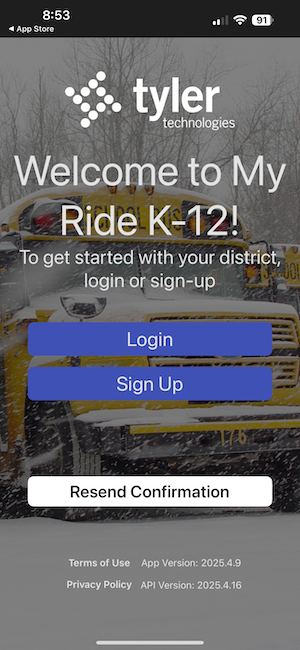
Choose the Sign Up button
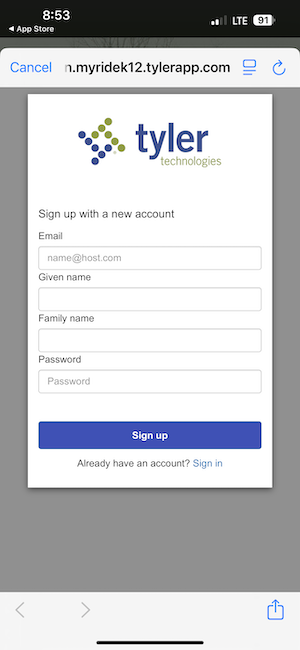
Enter the following information to create your account:
-
-
- Given Name (First Name)
- Family Name (Last Name)
- Password (choose a secure password)
-
Email Account Verification Notice
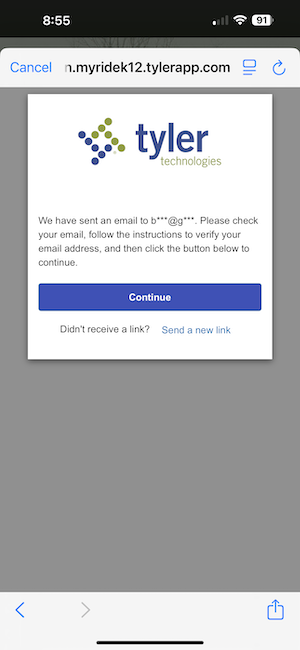
Check your email inbox for a 'Verify Email' link.
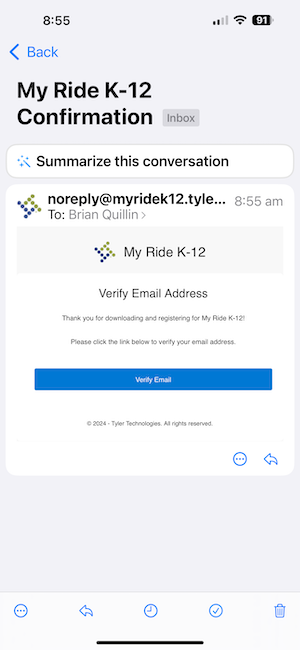
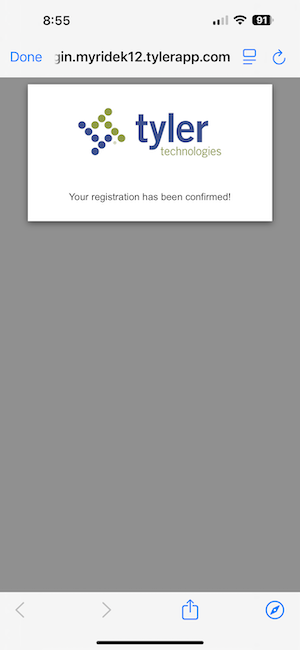
Account Confirmation Message
Type 'Arab City Schools' on the 'Select District' screen.
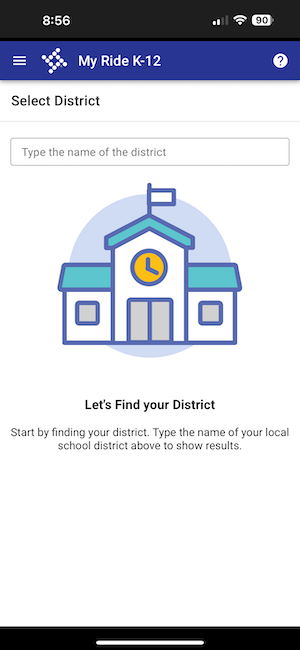
Choose Arab City Schools from the list and press 'Select'
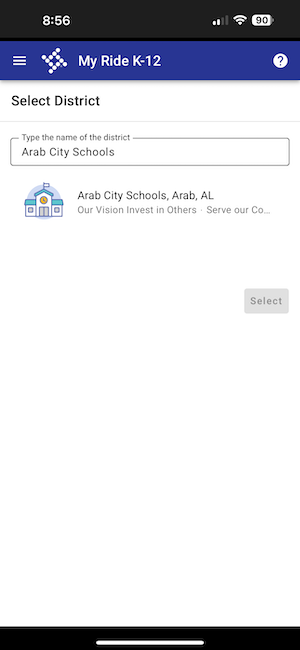
Click the 3-line menu in the top left and select 'My Students'
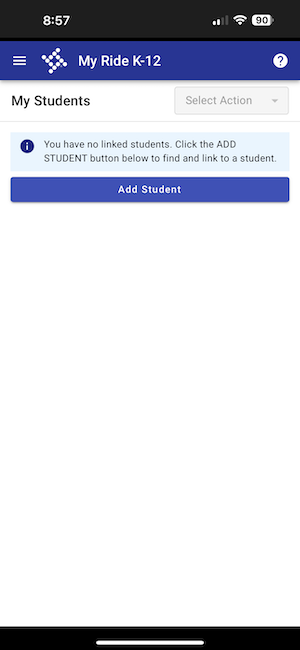
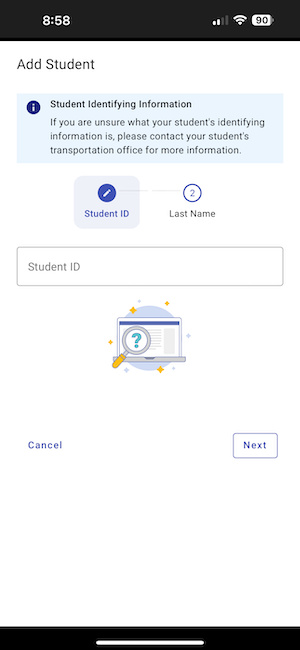
As the Definitive Contact, log in to arabcs.powerschool.com/public to find the 3 data points needed to associate your student(s). This information will be displayed on the 'Student Transportation' page for each student. (repeat for each of your students)
- Student ID
- Student Pin
- Student Last Name
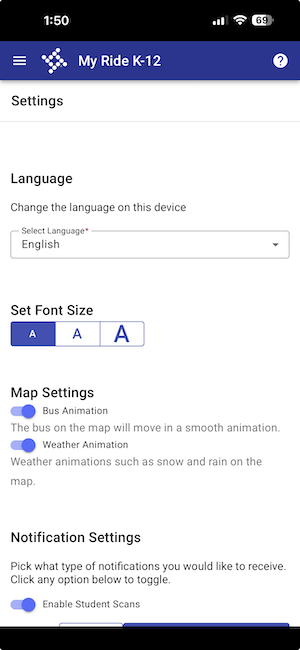
Click the 3-line settings menu and choose 'Settings' and choose 'Enable Student Scans'. Make sure your mobile device notification settings are set to allow all notifications from the MyRide K-12 app.